After discovering VectorCraft, the free, open-source alternative to Illustrator, I didn't want to stop at a few trials. So I took the plunge and used it on a real client project: the logo for the DealJE app. Here is how it went, what worked well and what to keep an eye on.
Step 1: rebuilding my Illustrator workspace
My first question was simple: can I get my bearings back? After a few adjustments, I was able to reconfigure my workspace to match the one in Illustrator: the toolbox on the left, and on the right the panels I use every day, Swatches, Pathfinder, Layers and Artboards.
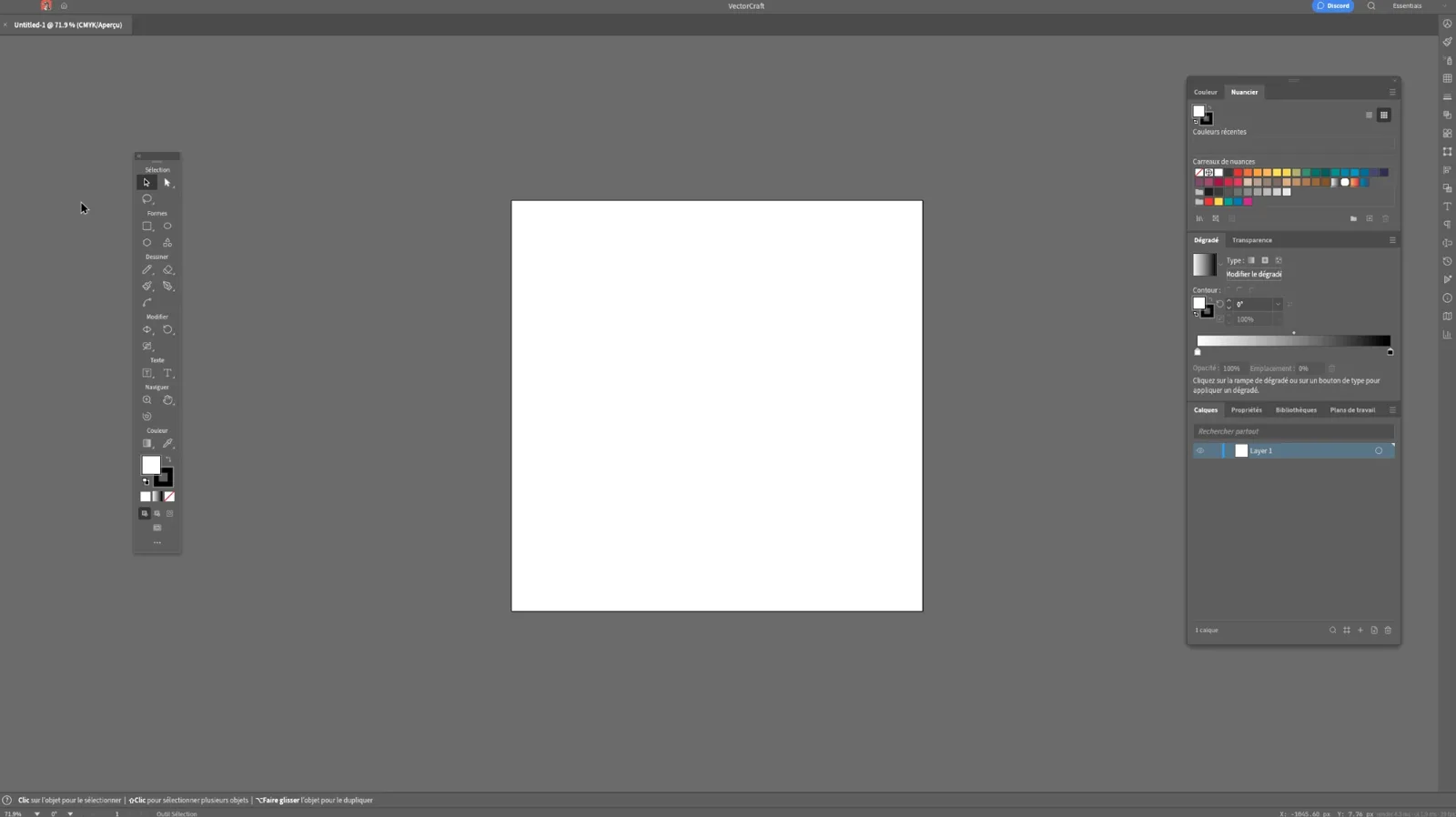
For a designer who has worked in the same software for years, this is the decisive step: if the learning curve means relearning everything, you can't keep it up on a client project. Here, my usual moves worked.
Step 2: the project, the DealJE app logo
DealJE is a classified-ads app for residents of the canton of Geneva, where people buy and sell between neighbours, in person. It needed a clear logo that works small and large and in several versions. A perfectly classic project, which I would normally have done in Illustrator.
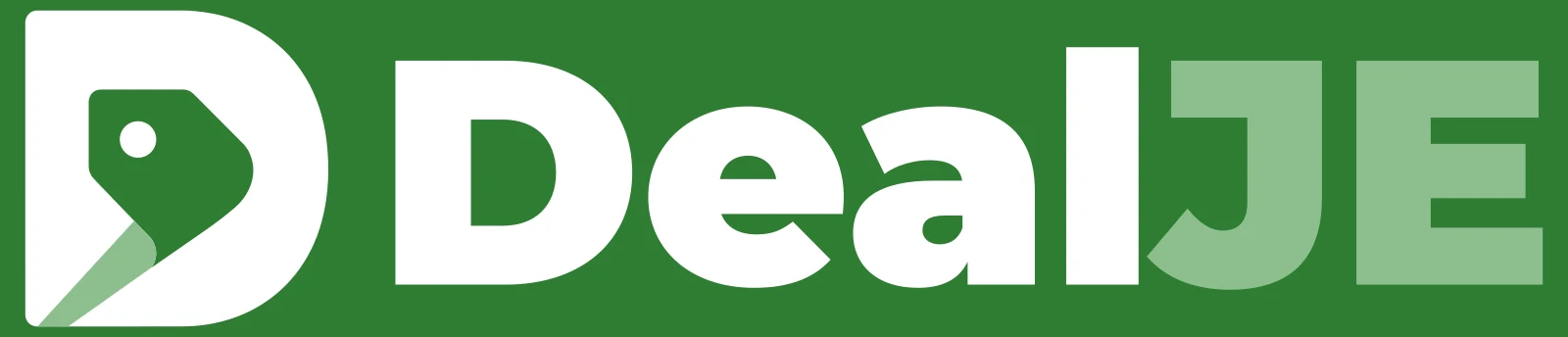
Once the workspace was in place, everything went as usual in Illustrator: drawing the shapes, combining them with Pathfinder, managing colours, setting the name.
The exports: everything came out, with one thing to watch
This was my main doubt: a logo is only worth the files you deliver. I was able to export every format needed: JPG, PNG, SVG and EPS. See a logo's file formats (in French) to know what each is for.
I did run into a few export problems between RGB and CMYK. My advice, whatever the software: work in the right colour mode from the start, then compare the exported files with the original. A logo designed in CMYK for print can look different once converted for screen, and it's the kind of detail you discover too late if you don't check.
The result
The client is happy with the logo, and this first experience with VectorCraft won me over. It isn't a lab test: it's a project delivered to a real client, with real deadlines.
What I take from it
- It's quick to pick up if you come from Illustrator: the interface can be reconfigured to get your bearings back.
- The software is enough for a complete logo project: drawing, combining shapes, colours, exports.
- Watch your RGB and CMYK modes, and check every exported file before delivering it.
- VectorCraft is still young: keep your usual software at hand, just in case, and test your exports in another application.
- Free changes the game for a freelancer or a student, as long as you are rigorous about checking.
For an overview of the whole suite, see ArtCraft, free alternatives to Adobe.
Frequently asked questions about VectorCraft in real conditions
Can you design a real client logo in VectorCraft?
In my experience on the DealJE app logo, yes: drawing, combining shapes, colours and exports all worked as they do in Illustrator. As the software is young, check every exported file and keep your usual software at hand.
Does VectorCraft export to SVG and EPS?
Yes. On this project I was able to export JPG, PNG, SVG and EPS. Still, test your files in another application before delivering them.
Are colours faithful between RGB and CMYK?
I ran into a few export problems between RGB and CMYK. Work in the right colour mode from the start, then compare the exported files with the original.
My take as a designer
What I take away is that free software is only credible if it holds up on a real project, with a real client and real files to deliver. That's what I wanted to check. There are points to watch, but I didn't expect to find my bearings so quickly.
A tool is judged on a delivered project, not on a demo: this one passed the test, with a few extra checks.
To sum up
VectorCraft lets you rebuild a workspace close to Illustrator's and carry a client logo through from start to finish.
Every export (JPG, PNG, SVG, EPS) worked, with a few RGB and CMYK issues to check.
Check every exported file and keep your usual software at hand: free is a real option, not yet a certainty.